Set Up on Windows
Follow these steps to configure your environment variablesThe BuildNinja Server and Agent rely on environment variables to define their configuration and communication parameters. These variables determine how the server manages builds, connects to the database, and handles aut… on a Windows system.
-
Click Start, search for Control Panel, and open the Control Panel.
-
Navigate to System and Security → System.
-
Click Advanced system settings to open the System Properties window.
-
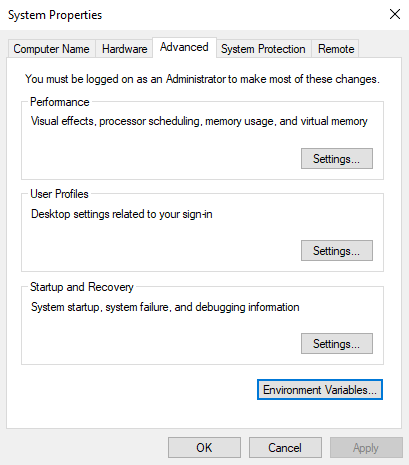
In the System Properties window, go to the Advanced tab and click Environment Variables.
-
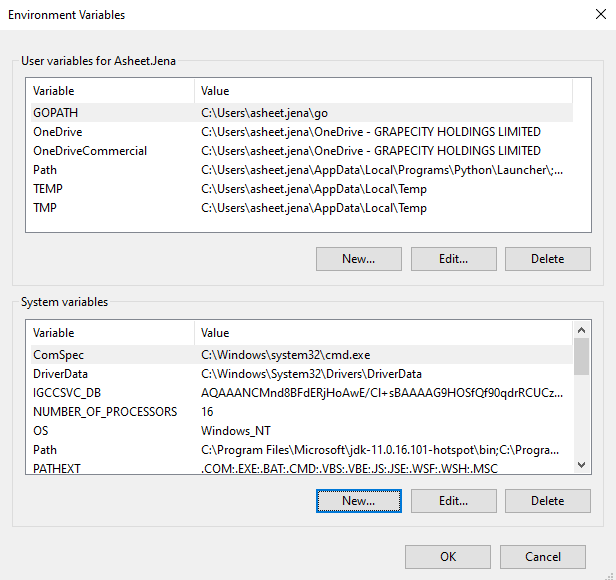
Click New under the System variables section and add the environment variables.