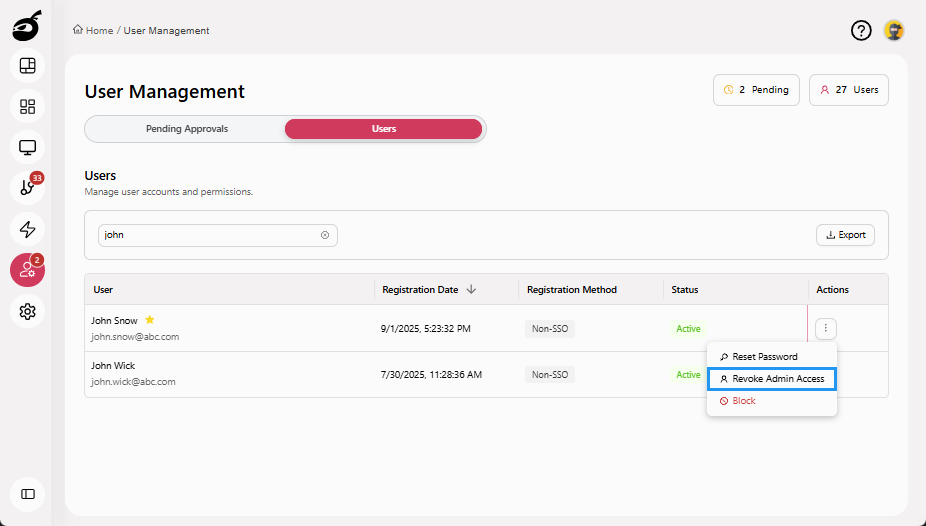
Grant or Revoke Administrator Access
Administrator access grants users system-wide permissions to manage global settings such as users, agents, authentication, integrations, and licensing. This level of access is intended only for trusted users responsible for platform administration. Administrator access applies to the entire BuildNinja system, not only to specific projects or build configurations.
Grant Administrator Access
-
Navigate to Users
 and go to the Users tab.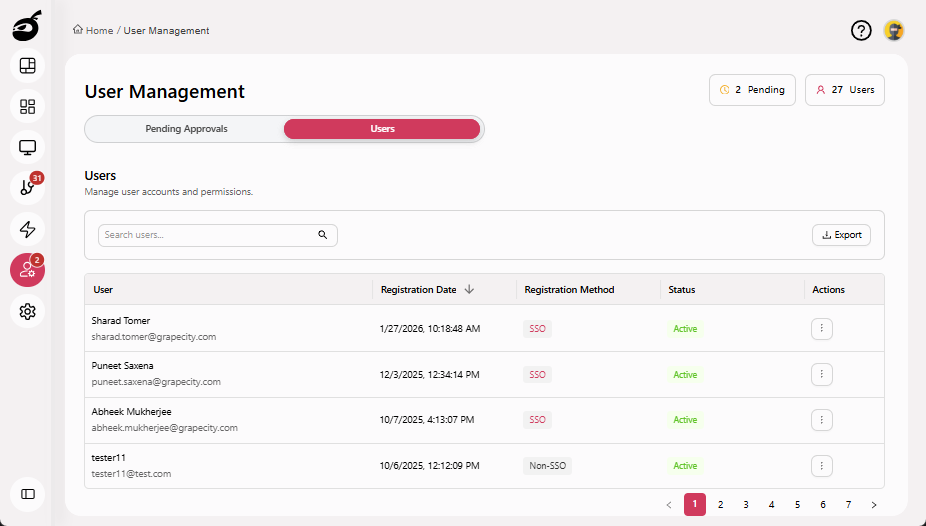
-
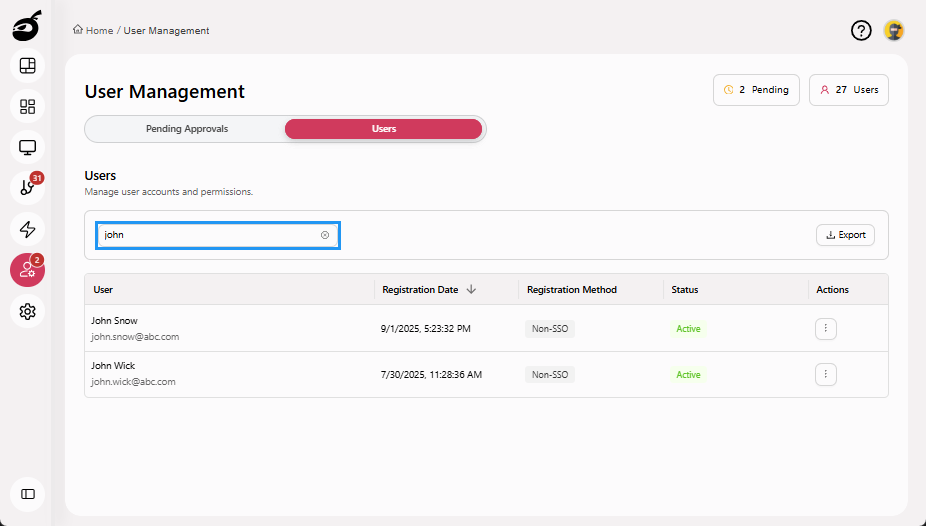
Search for the user using the Search Users bar above the user grid.
-
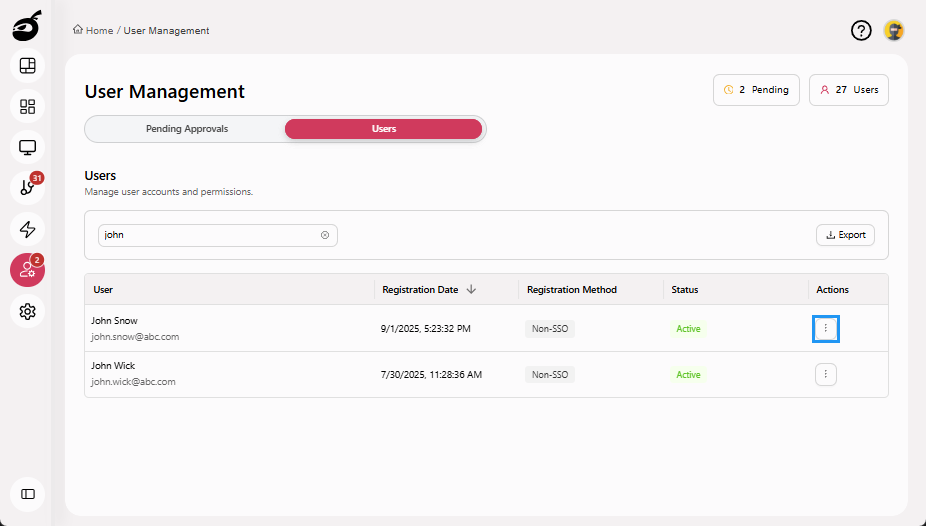
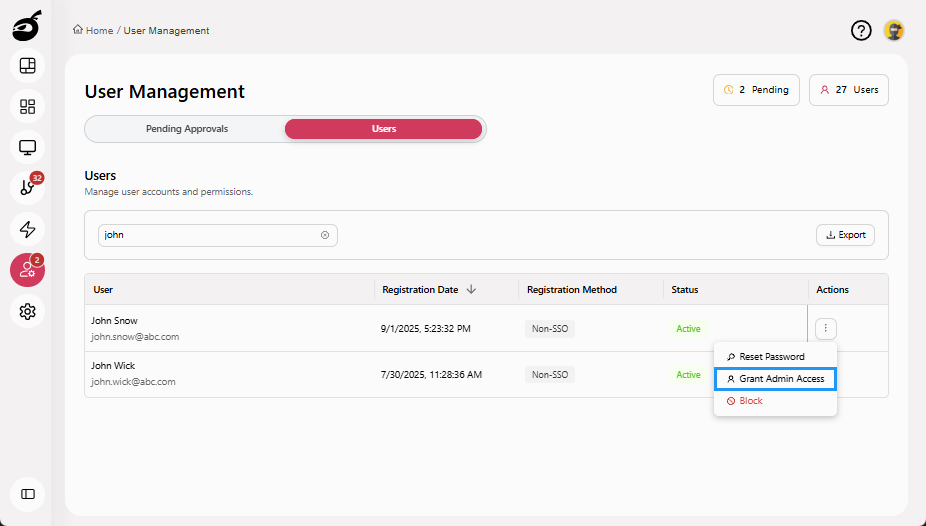
Click the Ellipsis ⋮ in the Actions column to open the options menu.
-
Click Grant Admin Access.
 note
noteAdministrator access takes effect immediately and grants full system-level permissions.
Revoke Administrator Access
-
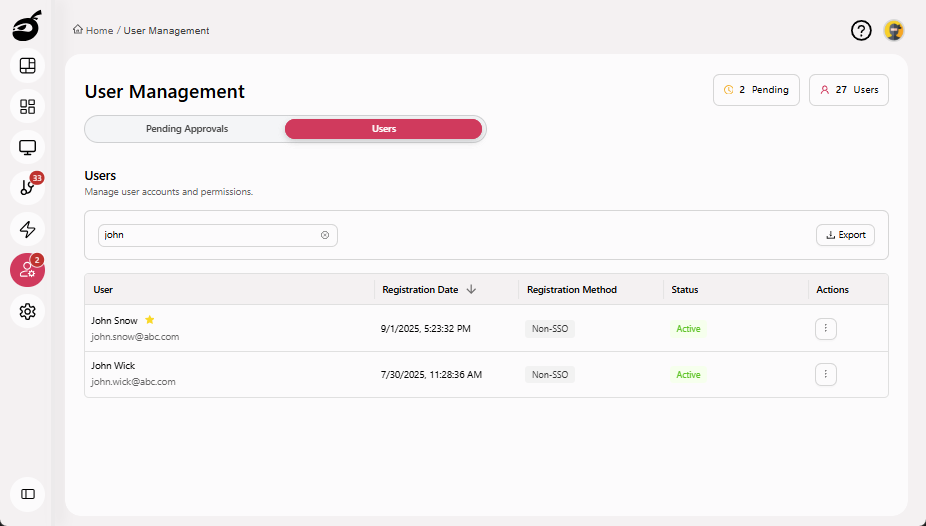
Search for the administrator user using the Search Users bar above the user grid.
-
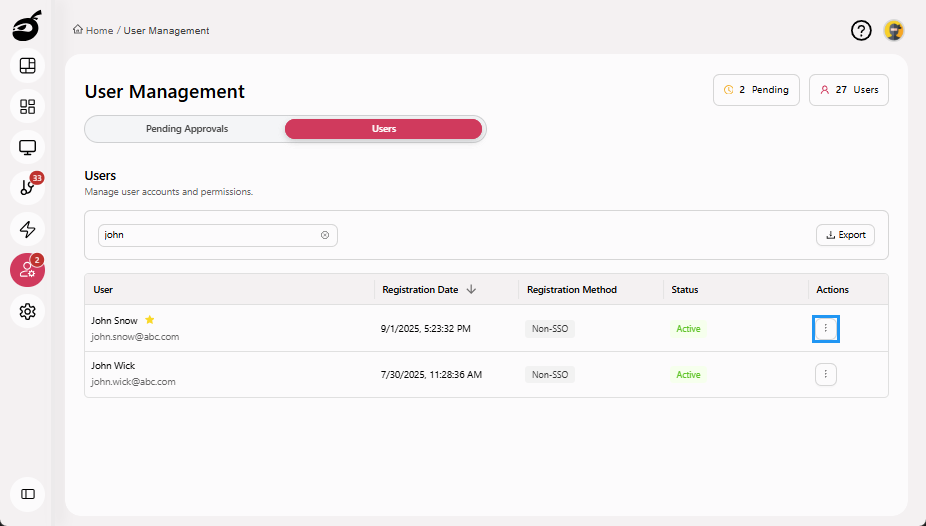
Click the Ellipsis ⋮ in the Actions column to open the options menu.
-
Click Revoke Admin Access.